Showing posts with label promotion tips. Show all posts

Tuesday, July 21, 2015

Craft Fair Tips for Etsy Sellers

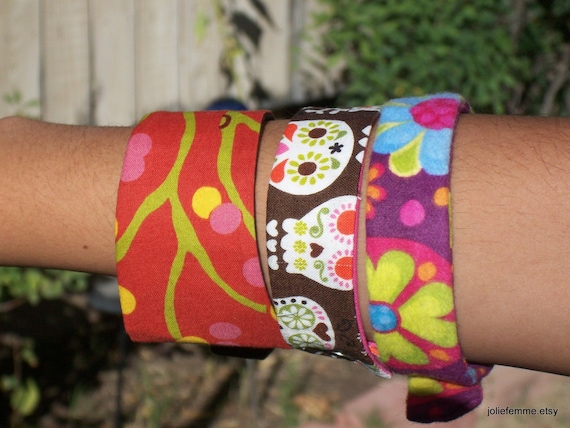
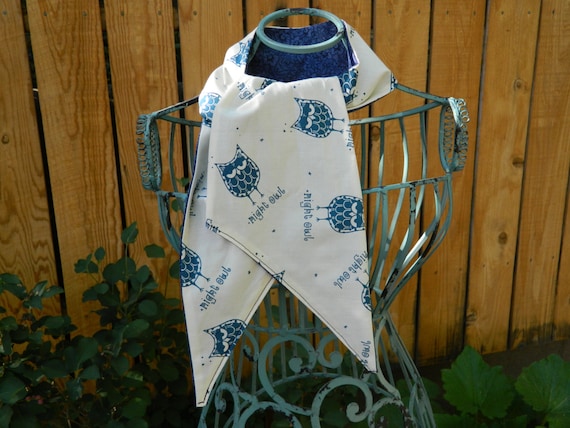
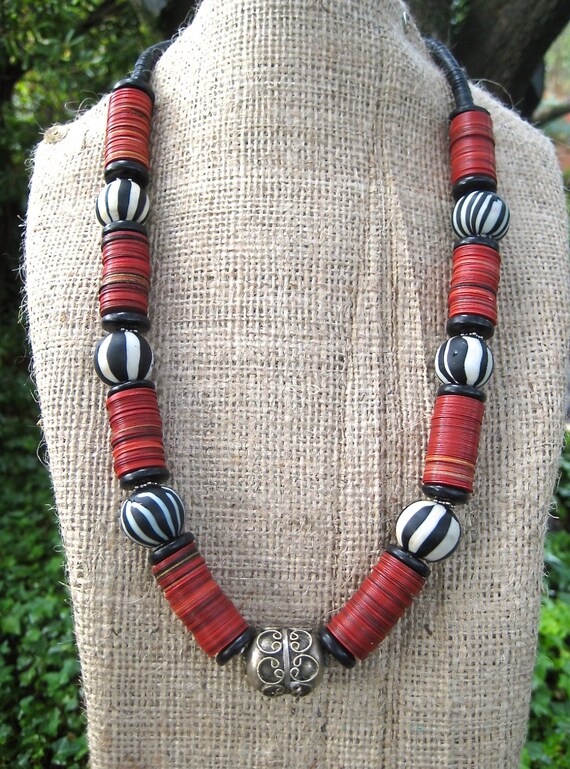
Diana from joliefemme on Etsy shares her experience and advice about selling at craft fairs and festivals
Etsy can be a useful way for handmade artists to reach customers from around the world, but have you ever considered selling your  items at a local craft fair or festival?

Participating in local events allows you to meet real customers face to face. Being a vendor can help you build your brand, increase your revenue and may even lead to additional on-line sales and custom orders.

The idea of selling your items at a craft fair may be a little overwhelming and intimidating at first so here are answers to a few common craft fair questions you may have.


How do you find and choose what craft fairs you sell at?

You can start by looking for information from local Etsy teams. I have found lots of support online with my NewMexyEtsy team to let me know about local shows. Searching online can also get results. There are many holiday shows held indoors at local schools that are reasonably priced and well known so people come back from year to year. Indoor school show customers can vary from those who expect to pay very low prices to those who understand handmade art and craft and will pay what it is worth. You can only learn by attending them as a customer or a vendor to see if they are a good fit. If you have a relationship with the organization or local store putting on the show you can usually build a following of customers and have customers expect to see you there each season.

What is the average vendor fee? Are you able to make enough profit to cover the fee?

The fees can range from $25 to $ 250 depending on the show/street festival or length of time, one day or up to a week at some shows. Profit varies from venue to venue and year to year and weather is also a factor. This year has brought many wind storms and essentially shut down the chance for sales at outdoor shows. But when it is nice weather and good attendance you can really sell well.

Tips for being a successful craft fair vendor

How much inventory do you bring?

I never bring all my inventory to a show and usually tailor certain lines to certain shows. For example, I bring Dia de los Muertos themed items to a show that I do in the summer each year and a different selection to shows depending on their themes. Holiday season shows get holiday themed items.

How do you handle your Etsy inventory while you are at the fair?

Sometimes I close the shop if it is an out of town venue or a full weekend show but if it is a day long or half day show I will leave my shop open and deactivate any listings I bring along. You can also use the Sell on Etsy app to remove items as they sell at the show.

Has your participation at craft fairs led to custom orders or sales on Etsy?

Yes, I have had repeat customers from certain local venues. They have wanted to order an item from my shop since they couldn’t make it to the show. Or custom order have also been generated by those customers who are local and do not mind waiting for an item to be made especially for them.

Setting up a craft fair booth

How do you process payments? Do you have a credit card reader?

I take cash and sometimes checks at local venues depending on how familiar I am with the customers. But usually use the Square Pay System to process credit card payments.

What do you bring with you besides your inventory?

Depending on the show, there is different set up required. If it is an outdoor show, I bring a pop up tent, tables and display racks. I have been accumulating different gear over time. I have found that garden décor items can work well to display my wares. I always bring price signs and product displays such as shelves and baskets. It’s also nice to bring cloth to make a backdrop or decorate the outside of the tent. This helps turn the tent into a nice shop atmosphere for customers. When weather is a possible issue there are many more accessories required such as tent stakes, tent weights and rope.

Do you have any other helpful tips or resources for people interested in selling at craft fairs?

I have found support on Etsy with a team called Craft Fairs…It’s a Living. Their threads are full of advice and support for established vendors as well as beginners.

Also Etsy local  helps Etsy sellers let their customers know about craft fairs they are in. You can't reach it from your shop dashboard or even the bottom of the page or homepage, so make sure to bookmark it, https://www.etsy.com/local.

On Pinterest and in the blogosphere there are also many helpful posts and ideas on displays and equipment to be found.


PRESENTED TO YOU BY OUR LEADER :

My name is Diana. Self-taught seamstress of clothing and household decor, I start with inspiring patterns and modify them to my taste. I'm hooked on fabric accessories! Soft and washable! Great fun fabrics inspire me! I love to explore new styles and designs! Handmade is a process that should show itself in the finished product and adds to its beauty. Custom requests are welcome!


Tuesday, July 14, 2015

Keeping Your Facebook Followers Engaged

How to keep your Facebook followers engaged.

It's not a secret. Your Facebook news feed features posts from pages you interact with regularly.

This can have a HUGE impact on cottage businesses, like Etsy sellers, who use a Facebook page to market their shop. Even if you have a million Facebook followers, if your followers do not frequently like, share or comment on your posts, you will eventually disappear from their feed.

So how do you keep your followers engaged?

Post Frequently


If you are only posting once or twice a month, your stories will get lost in people's news feeds. You simply won't be seen. People will think your page has become inactive and eventually un-follow you.

There's no magic number for how often a business should share on Facebook. I like to post once or twice a day because not every post is seen by every follower. If that seems like a lot, you can start off by posting 3-4 times a week.

Welcome New Followers


Everyone likes to feel special. Post a welcome to your newest followers every week or two. You can make it extra special by including a pretty picture. Think of it like sending a little greeting card to say hi.

If another page has liked your page it's nice to include an @mention in your welcome. (An @mention is just the "@"symbol followed by the page's user name. It creates a direct link to the other business page and sends them a notification that they have been mentioned.)

Thanks for new likes from DeUno Art, Viktoria, Pearl, Lucy, Mis Stepp, and Zelda! Hope you enjoy our posts!


Be Personal


Indie businesses have an distinct advantage on social media because in addition to selling products, we each have a very personal story to tell. Don't be afraid to tell your followers about your triumphs, struggles or even just things that make you happy.


A beautiful handcrafted necklace for a beautiful friend!! Couldn't be prouder :D
Posted by Hanji Naty on Sunday, June 28, 2015


I am 3 items away from 1,000 items sold. I think I should do something special for whoever buys the 1000th item from my shop. Should it be a surprise? Still thinking about it. Feel free to offer suggestions!


Can you find Mr. and Mrs. Goldfinch?I hope they leave some cosmos seeds for me!#chillin #inthegarden #birdwatching

Ask Questions


Everyone wants to share their opinion from time to time. Asking your followers specific questions not only engages them, it also makes them feel like they are an important part of your business.

I have been thinking of remaking a few of these in other colors but it seems the more I think the less I figure it...

Spread Some Love


Small businesses aren't always competitors. If you regularly promote other indie shops, people will remember and possibly even promote your shop.


This is my journal recently purchased from this lovely shop! https://www.etsy.com/shop/CarolaBartz Please visit and find some lovely treasures for yourself!
Posted by Joliefemme on Saturday, June 13, 2015


Found another artist I like. Check out this glass blower:https://www.etsy.com/listing/214506940/black-eyed-susan-lampwork-hand-blown?ref=shop_home_active_7
Posted by Babywear by Babs on Tuesday, June 16, 2015


Follow Others


Don't forget to put the "social" in social media. "Like" other relevant business pages, including the SPS Team, as your page. Also, interact with other pages by liking, commenting and sharing posts you enjoy.

You can find a list of other SPS Team members in the Facebook Directory on our Etsy team forum.


PRESENTED TO YOU BY OUR LEADER :

My name is Ellen and I LOVE to design and create things. I find it deeply satisfying to start with nothing more than an idea and finish with a tangible, beautiful, functional piece of work. I enjoy learning new techniques that I can incorporate into my creations. I practice a variety of different art forms, but find I always have at least one knit, crochet or sewing project in progress.


shop The Chilly Dog

For free craft pattern's, tutorials and inspiration visit my blog, The Chilly Dog.


Wednesday, April 22, 2015

Where's the URL?

If you are active in the SPS Team forum on Etsy, you may have noticed that a lot of our newer threads ask you to share the URL of an item, pin, post or tweet.

The URL is just a link that goes directly to the item, pin, post or tweet that you want to share. It sounds easy enough, but for those of us who are new to social media, finding the link may be easier said than done.

Before we begin, you'll need to locate the address bar in your web browser. It's the box at the top of your screen that has the internet address of the page you are visiting. Here's our team blog with the address bar circled.


How to find the URL (or link) to specific Etsy items, pins, posts, tweets and more.


The address bar is where the magic happens, but there are still a few more things you need to know about finding the link for specific items, pins, posts and tweets.


Etsy Item URL


We'll start on Etsy. I'm going to look at an item from one of my favorite SPS Team shops, WookNook13. Let's take a closer look at the address bar on the top of the page.


How to find the URL of an Etsy item


To use this URL in the team forum or on social media, you only need to copy/paste the information before the "?".


How to find the URL of an Etsy item


So what are the extra symbols and words in the link? The information from the "?" to the right simply tells Etsy how you arrived at this page. For example, I clicked on this item link from the shop's home page.

Pin URL


Now let's find the URL of a pin on Pinterest. I'm going to pin this item from WookNook13 to my Etsy All-Stars board.


How to find the URL of a Pinterest pin


After I pin the item this window pops up and I click the "See it now" button.


How to find the URL of a Pinterest pin


The link to my pin is in the address bar and I can copy/paste it as needed.


How to find the URL of a Pinterest pin

Tweet URL


Now let's take a look at Twitter. BohemianUp tweeted about another SPS teammie on her twitter page.

How to find the URL of a tweet on Twitter


It looks like she tweeted this on April 20. Clicking on the the time stamp (in this case Apr 20) opens the expanded version of the tweet. The URL of this tweet is in the address bar at the top of the page.


How to find the URL of a tweet on Twitter


Facebook Post URL


CarolaBartz shared a picture of one of her items on her Facebook page. Just like on Twitter, you can find a link to this post by clicking on the time/date that it was posted.


How to find the URL of a Facebook post


The expanded version of the post appears and the link is now in the address bar.


How to find the URL of a Facebook post


Google+ Post URL


Finding the post URL on Google+ is a little different than the other social media platforms, but it's still pretty easy.

Dawn from DeeDeeDesigns posted in the SPS Team's Google+ Community.


How to find the URL of a Google+ post


When you hover your mouse over a Google+ post a "v" appears in the upper right corner. Clicking on it opens an options menu. Find and select "Link to post".


How to find the URL of a Google+ post


A small window opens with the link to the post. Just copy/paste the highlighted link. Then select "done" to close the pop-up window.


How to find the URL of a Google+ post


Now that you know how to find the link to specific items, pins, posts and tweets, join us for some of the newest discussions in the forum:


PRESENTED TO YOU BY OUR LEADER :

My name is Ellen and I LOVE to design and create things. I find it deeply satisfying to start with nothing more than an idea and finish with a tangible, beautiful, functional piece of work. I enjoy learning new techniques that I can incorporate into my creations. I practice a variety of different art forms, but find I always have at least one knit, crochet or sewing project in progress.


thechillydog on Etsy

For free craft pattern's, tutorials and inspiration visit my blog, The Chilly Dog.


Saturday, March 28, 2015

Getting Started with Google+


Google+ is joining Facebook and Twitter as one of the most popular social networks on the internet. Even though it is one of the newer platforms, I find that it is fairly user friendly, even for social media newbies.

Many of our SPS teammies have Google+ pages, but they aren't quite sure how to use them, so I'd like to share some very basic information for Google+ beginners.

Your Profile and Settings


Before you start posting, I highly recommend you take a moment to visit the "Home" button on the top left of your Google+ page.

When you hover over the "Home" a drop-down menu appears.

The two tabs you should explore carefully before posting anything are the "Profile" and "Settings tabs. Here you will get to decide personal information you would like to display on your page. Use a little common sense and be careful about what you are telling the entire world.

Once you have completed your profile and settings, you'll want to share your very first post. Posting on Google+ is very similar to posting on Facebook.

Creating a Google+ Post

On your Google+ page you will see a box that looks like this.


Here you can share text, a picture, a link (maybe to an item in your Etsy shop) and more. Click where it says "Share what's new..." and the window enlarges.


If you are sharing a photo or link, it's always good to tell your followers a little bit about it.


Next, decide what type of attachment you will be sharing.


I like to share links to our team blog!


Here's the link to a post I wrote about our SPS Team Community on Google+, http://strategicpromotionforsuccess.blogspot.com/2015/02/sps-team-google-community.html. This is the URL I am sharing.


You can choose to make your post public. If you do this, it will appear in all of your follower's streams. (A stream on Google+ is the sane as your feed on Facebook.)

Or you can share your post privately with a specific person or a circle of friends.

Getting Fancy with Your Posts

Sometimes it's helpful to mention other people in your posts. For example, if you were sharing a link to an item in someone else's Etsy shop, it would be nice to give them credit. 


And, let's not forget to use #hashtags.


If you are still new to the idea of using #hashtags, Google+ has a very helpful feature that the Facebook and Twitter don't. At the very bottom of your "Settings" you can check the option fror Google to automatically add hashtags to your post.


Putting the "Social" into Social Media

Everyone likes to get noticed on social media. Here's a post I recently shared in the SPS Team's Google+ Community 


There are three ways you can tell someone you like their post.

  • +1 it: clicking on the +1 button is similar to "liking" on Facebook
  • Share it: Click on the arrow button to share a post on your Google+ page
  • Add a comment... Interact with others by leaving a comment on someone's post. (More common sense - your comments are public, so it's best to keep things friendly.)
Once you are feeling comfortable on Google+, I hope you'll join the SPS Team's Community. It's a great place to find other team members, add them to your Google+ circles, share your shop items and more.


PRESENTED TO YOU BY OUR LEADER :


My name is Ellen and I LOVE to design and create things. I find it deeply satisfying to start with nothing more than an idea and finish with a tangible, beautiful, functional piece of work. I enjoy learning new techniques that I can incorporate into my creations. I practice a variety of different art forms, but find I always have at least one knit, crochet or sewing project in progress.


thechillydog on Etsy

For free craft pattern's, tutorials and inspiration visit my blog, The Chilly Dog.

Saturday, March 7, 2015

How to use Pinterest

Pinterest is a fun and engaging social media site that is all about stunning visual content. Pinterest has been growing and getting involved can really help you to promote your Etsy shop. But first you need to sign up.


Getting Started

Open an account and link it to your business page and email. Once your account is active you can begin to create interesting content that will get you some followers. Since 80% of pins are re-pins, you want to add pins that people will find when searching and want to re-pin to keep on their boards.

Your Pinterest feed shows what you like and also helps people get to know your interests.

Create interesting content by giving your boards fun names and creating engaging inspiration boards. Use secret boards to pin new content and likes and then move them to other boards in the correct seasons and to highlight certain events.

Some fun board name examples: jet-set for a travel board, shoe shine for a board about shoes, fabulous food and drink for a board about recipes, furry friends for a board about cute animals, life wisdom for a board about inspiring quotes, and many more that you can find by just looking at Pinterest.

Inspiration boards can contain ideas for travel, entertaining, recipes, colors, or supplies for your craft and techniques, tutorials and diy projects.

In order to build up your boards and followers you must find and follow like-minded pinners who enjoy the same things you do. SPS Team has an account that you can follow here. Joining a community of pinners to follow and finding other sellers and customers to follow you is easy when you join a long established and popular account like this.

Creating engaging content is a balancing act and you don’t want to just pile on pins of items from your shop or people will unfollow you and you won’t get your message out. In order to be engaging, you must curate and edit your pins so that they show your brand and create an interest.

Quick Tips

  • Make a board for your Etsy shop and add items from your store.
  • Daily pinning helps you to get regular attention.
  • The best time to pin is in the afternoon and evening as that is when most people are on Pinterest.
  • In order to network your Pinterest you need to connect it to your other social media accounts, such as your Facebook business page and by adding a Pin it button to your blog so others can share what you do.

Just get started and with a little time and effort you will find that Pinterest can bring traffic and customers to your shop when used consistently.


PRESENTED TO YOU BY OUR LEADER :

My name is Diana. Self-taught seamstress of clothing and household decor, I start with inspiring patterns and modify them to my taste. I'm hooked on fabric accessories! Soft and washable! Great fun fabrics inspire me! I love to explore new styles and designs! Handmade is a process that should show itself in the finished product and adds to its beauty. Custom requests are welcome!


Friday, February 20, 2015

SPS Team Google+ Community

Join Etsy's Strategic Promotion for Success Team on Google+!
It's the time of year to start thinking about a little spring cleaning. You know, clearing out the cobwebs and sprucing things up a bit.

We've done just that in the SPS Team's Google+ Community.

To make things more inviting, we've freshened up the community and created more categories for you to promote and share all of the wonderful things you are doing and promote other team members and Etsians, as well.


Here's a peek at the improved discussion categories in our Google+ Community:

  • Introduce Yourself -  Tell the team about yourself and your shop, share links to your other social media sites and just say hi.
  • General Chat - Ask a question, give an opinion and say what's on your mind.
  • Team Member Items - Share links to your items or items from other SPS Team shops.
  • Team Treasuries - Share links to treasuries that you have created, been featured in or that include other SPS Team member items.
  • Team Blog Posts - Share links to new posts from your blog and we'll be sharing new posts from the team blog, too.
  • Sales, Events & Coupons - Tell us about special deals and promotions in your shop.
  • Etsy Seller Resources - Share tips, tools apps that might be helpful to other sellers.
  • Promote Other Etsians - Spread some love to other Etsians who aren't a part of our team, yet :)

Team members are encouraged to use the Google+ community as an additional place to promote shops, items and treasuries from the SPS Team Forum Discussions on Etsy.

And of course, since it's a community, please take a moment to comment on, +1 and share your favorite posts by other team members.

I can't wait to meet you in the SPS Team's Google+ Community!


PRESENTED TO YOU BY OUR LEADER :


My name is Ellen and I LOVE to design and create things. I find it deeply satisfying to start with nothing more than an idea and finish with a tangible, beautiful, functional piece of work. I enjoy learning new techniques that I can incorporate into my creations. I practice a variety of different art forms, but find I always have at least one knit, crochet or sewing project in progress.


thechillydog on Etsy

For free craft pattern's, tutorials and inspiration visit my blog, The Chilly Dog.


Sunday, January 25, 2015

The SPS Team Shop on Etsy: Browse, Buy, Promote, or Curate A Treasury Collection
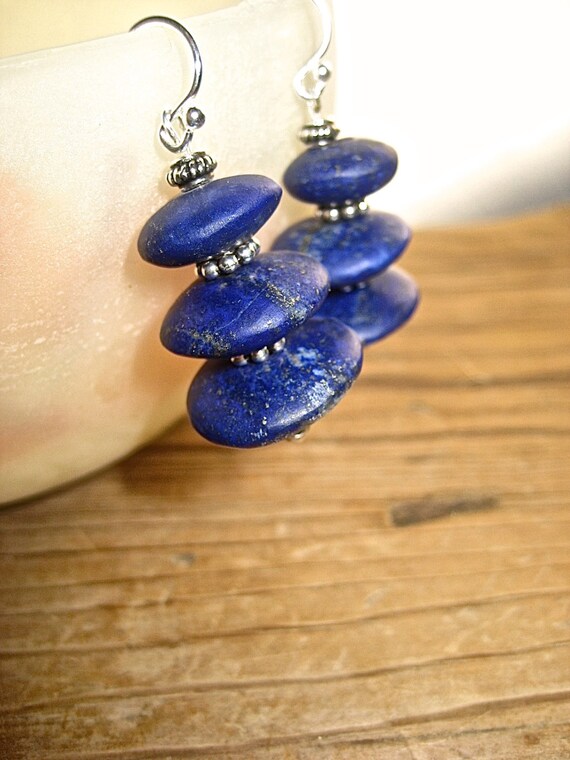
Been by the SPS Team Shop lately?  If not, come discover the SPS Team's wonderful array of offerings in 18 categories from Accessories to Weddings.  Make a treasury, favorite or pin items you like, or just explore your teammates' shops.  If you're shopping for anything, support your teammates by checking the team shop first!


The link to the team shop is always posted on the SPS Team home page.  It is:
https://www.etsy.com/people/SPSTeamShop/favorites


How does the Team Shop work?
  • The SPS Team Shop showcases items from active SPS team members' shops. If you post regularly on any of the team threads (like Clickathon, Fresh Picks, "Best in Show," or the Weekend Treasury game, etc.), chances are good you already have multiple items listed in the team shop.
  • Only 3-4 items from an individual shop are added at one time.  Additional items (another set of 3-4) from a shop are added the next time the shop is updated. This allows for variety in the pages of the shop, creating a colorful, lively sampler of the diverse offerings from team shops.

Making Treasuries using our Team Shop collection

To make a treasury using the team shop, you can choose a category--like Vintage Fashion or Home Decor and browse those collections.  Or you can start with a key word, like Heart or Aqua, and search all categories using the search bar on the top right of the main shop page.  Here are some of the listings I found searching 'Beach:'  Looks like the start to a treasury to me!


What can you find in the Team Shop? Here are the current categories:


- Weddings (dresses, accessories, and decor)

- Vintage Jewelry (costume and fine jewelry from all eras)

- Accessories (scarves, shoes, bags, hats, belts, etc.)

- Paper Goods (Cards, tags, paper garlands, handmade journals, downloadable files)

- Handmade Jewelry (the biggest category, with 1272 items!)

- Supplies (beads, fabrics, patterns, tools)

- Kitchen and Gourmet (cookware, specialty foods, teas and spices, aprons)

- Pets (Anything pet-related from leashes to toys and decor)

- Clothing for Women (new, handmade)

- Vintage Fashion (clothing and accessories)

- Men's Fashion and Gifts (watches, men's jewelry, gifts for men)

- Art and Photography (painting, illustration, collage, sculpture, photography, etc.)

- Home Decor (everything from bedding to coasters to wind chimes);

- Children (clothing and toys);

- Vintage Collectibles (collectible toys to fine china)

- Bath and Body (soaps, washcloths, essential oils, and more)

- Christmas

- Halloween/Thanksgiving.


Can you think of other categories that could be added to the list? Do not hesitate to leave a comment below!

How about you?

Do you often visit the SPSTeam Shop on Etsy?  Do you have favorite categories?  How do you utilize our Team shop collection?  Do you have any suggestions for how it could be even more useful for our team?

Leave a comment below; we want to hear from you!


PRESENTED TO YOU BY OUR LEADER:

Once upon a time I wanted to grow up to be an artist. As it turned out, I became an English teacher (which I loved) and a mother of two amazing children (which I loved) and somehow I never found much time for art. When I started crafting, it was like a flip got switched. There is now paint and paper, shells and driftwood, beads and more beads!! spread all over my kitchen and I feel like a child who doesn't want to stop playing...